Point at one piece or a handful, picture side up, then tap FIND.
K17
Your piece, turned upright
Where it goes
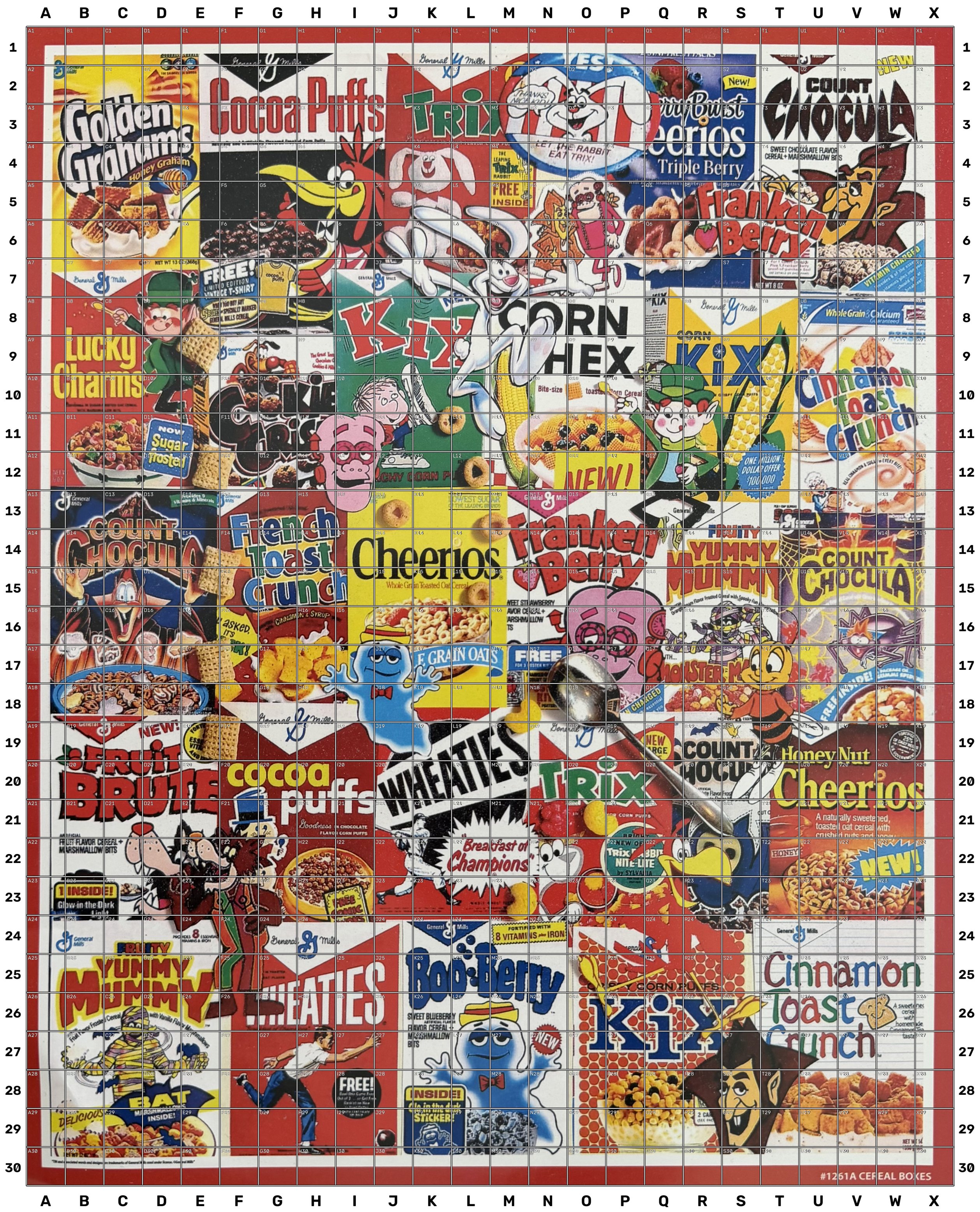
Scroll / pinch to explore · columns A–X, rows 1–30
How it works
- Lay pieces picture side up on a plain surface. One piece or a small group (up to ~15) per shot works best.
- Hold the phone roughly flat above them, close enough that each piece is at least a thumb-width on screen. Tap FIND.
- Every piece it recognises gets a tag like K17: column K, row 17 on the picture grid (see the Map tab). The arrow shows which edge is up.
- Tap a tag for a pop-up: the piece turned upright, and the exact spot on the picture.
Good to know
- Pieces that are a single flat colour (all red, all white) have nothing to recognise and get no tag. Sort those by shape once their neighbours are in.
- A yellow outline means "probably": check the pop-up before trusting it.
- Live re-scans every couple of seconds while you move the phone around the table.
- Photo… takes a full-resolution photo of a whole pile; slower (10–30 s) but tags everything at once.
- Frames are sent to the server to be matched and are not stored.